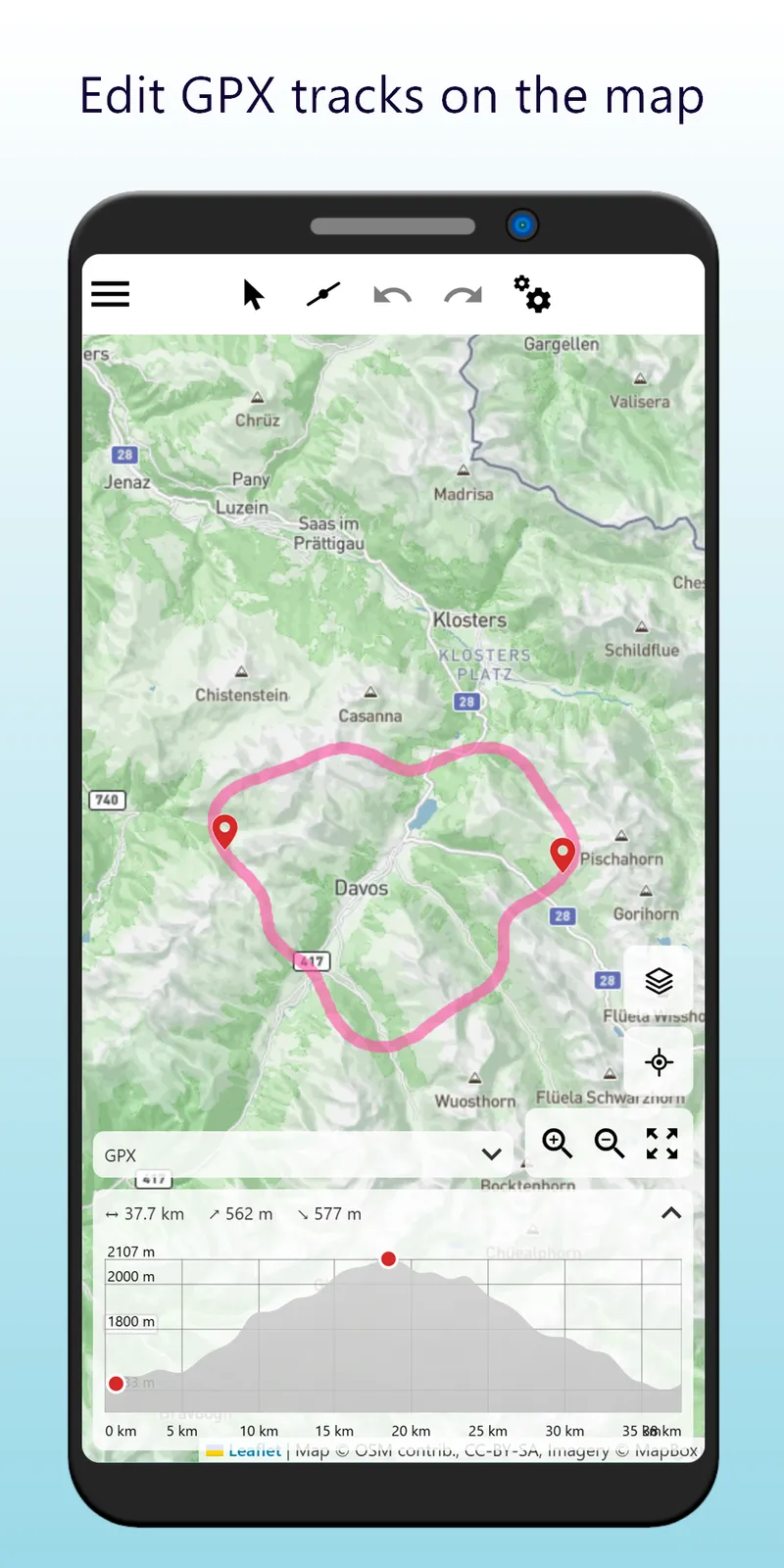
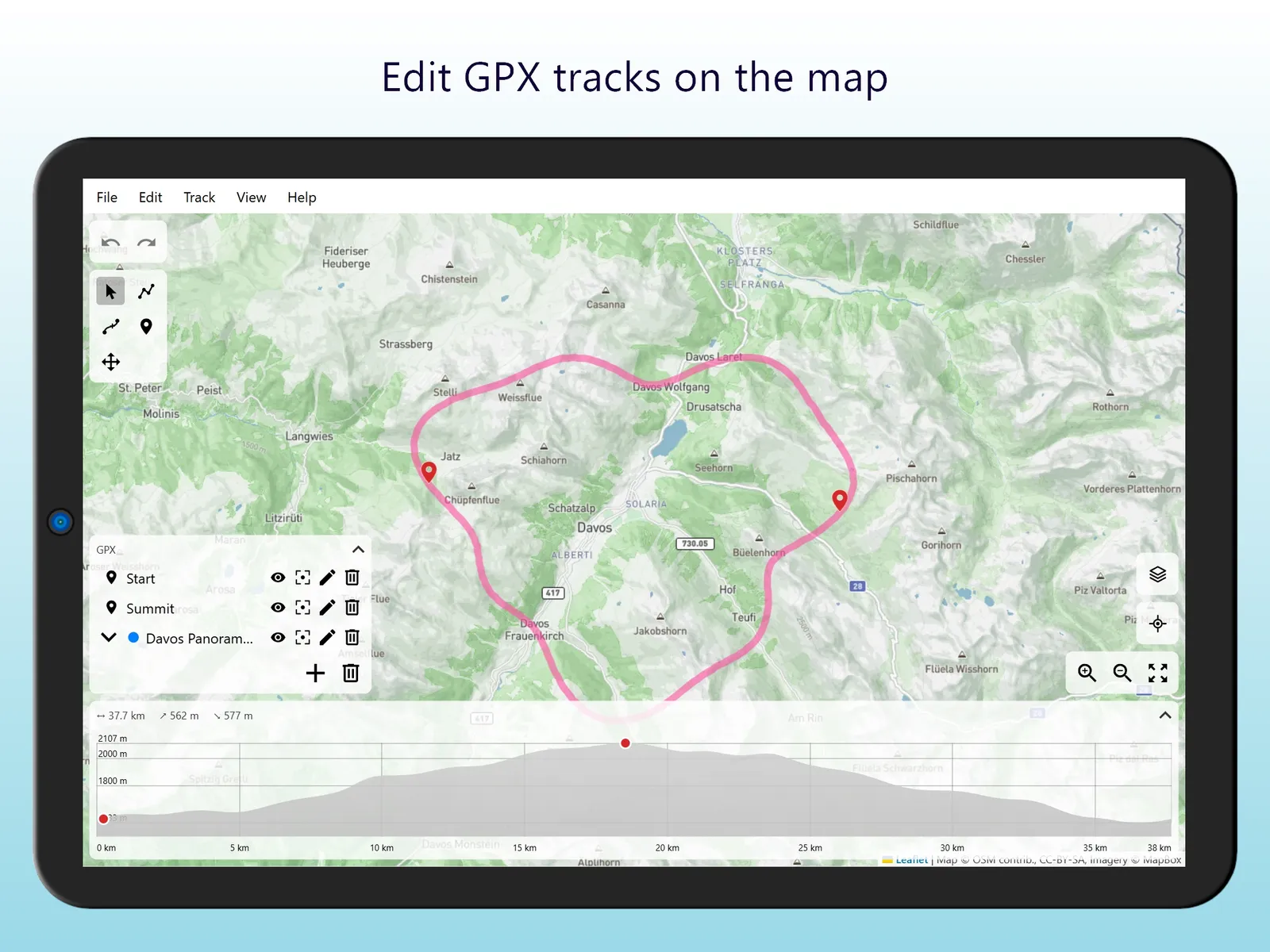
Trackbench is a web app to plan routes and to edit GPX tracks on a map. Open a GPX file, change it, and save it again. The app runs in your browser and your files stay on your device.
Draw and edit
- Draw a track by clicking on the map, or let the routing service follow roads and trails between your points
- Add waypoints
- Move points and insert new ones into a track
- Combine, split and reverse segments
- Simplify a segment to remove points you don't need
- Undo and redo every change
Elevation and routing
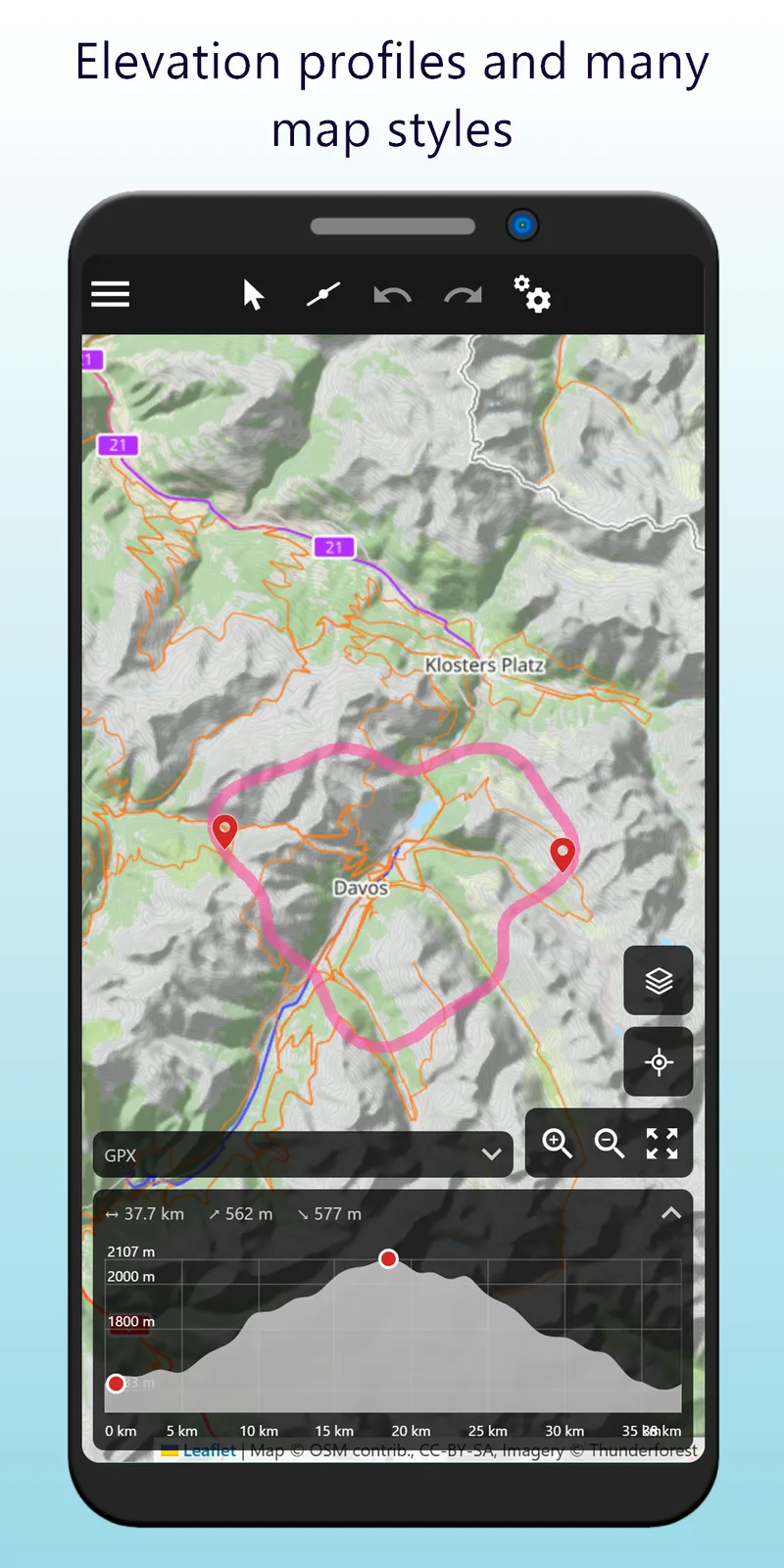
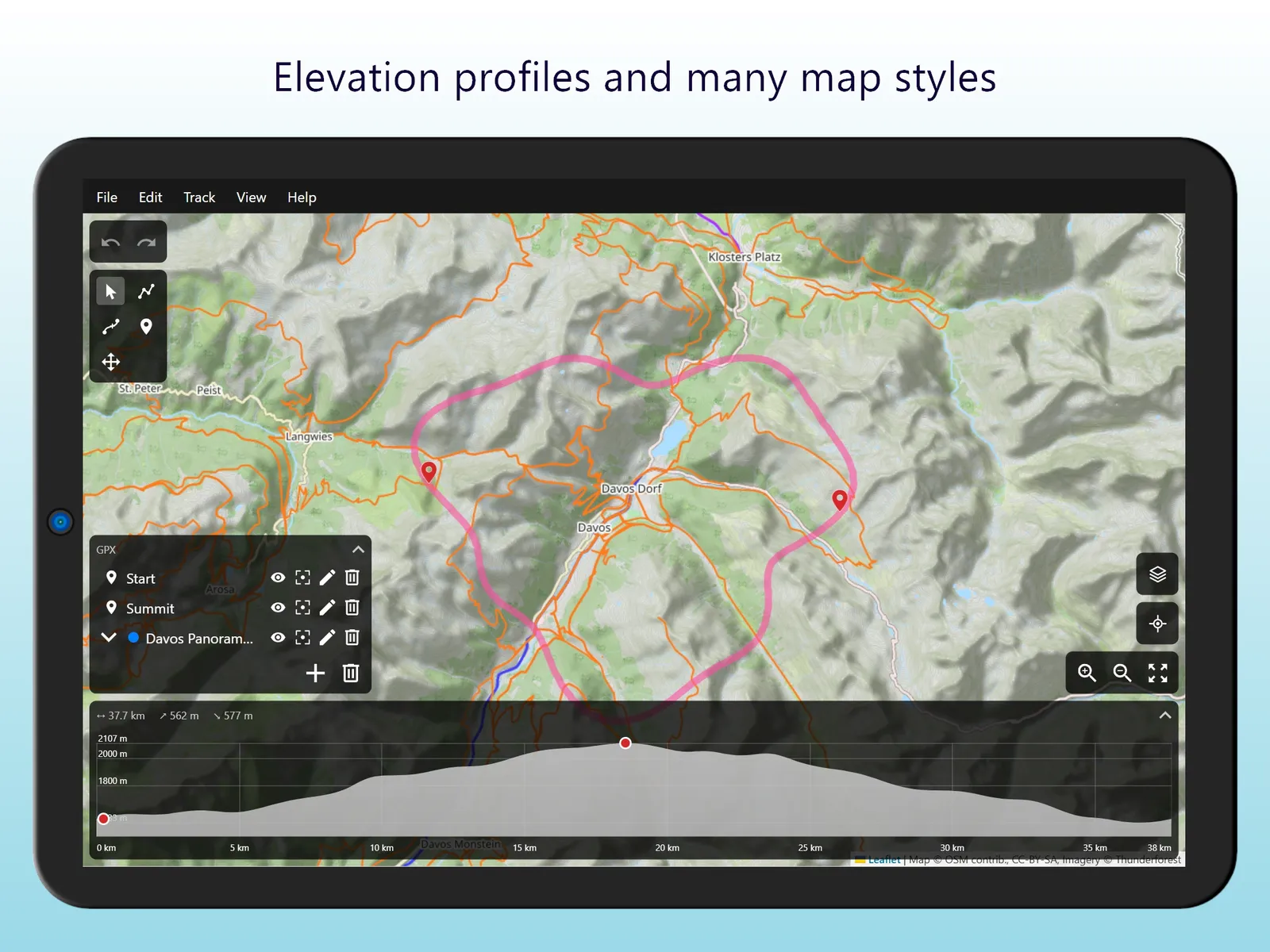
- Elevation profile of the selected segments
- Routing between your points for different modes of travel
- Switzerland-only routing service as an alternative, selectable in the settings
Map
- Several map styles
- Show your location on the map
- Zoom to the whole GPX
Your files
- Load, save and import GPX files from your computer or phone
- Everything in the file that the app doesn't use is kept, so nothing gets lost when you save it again
- No account, and your GPX files are not uploaded anywhere
Trackbench can be installed as an app from the browser, and it comes in English and German.
Web App

Screenshots